


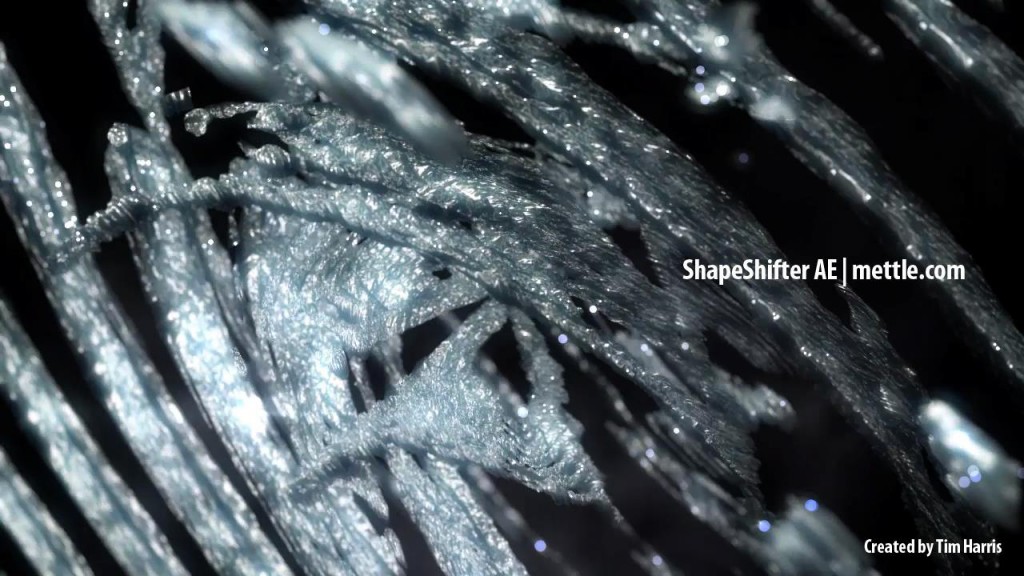
Crystal 3D Logo Tutorial | After Effects| ShapeShifter AE
Tim Harris shows how to create a crystal-finish logo animation in After Effects. He uses ShapeShifter, on of the few Ae plugins that lets you create, render and animate 3D in After Effects. A real power-user, Tim uses simple techniques to achieve a complex logo animation.
Nancy (mettle.com) introduces Tim Harris’ Crystal Logo Tutorial.
Tim is a motion graphics artist based in Perth, Australia. An elite cyclist who competed at an international level, Tim has turned that focus and discipline towards his work for film, music videos, and corporate communications. He’s a one-man-show, and can be reached at: harrismediacreations.com


Tom
Beautiful finish the depth of field really adds a lot it and using pre-rendered 3D sprites that you created in Shapeshifter in Particular quite a bit to the piece. Feels like ShapeShifter + Particular were made for each other.
Yodabarks
@Tim. Love the finish….thanks for sharing. woof woof