


Archives
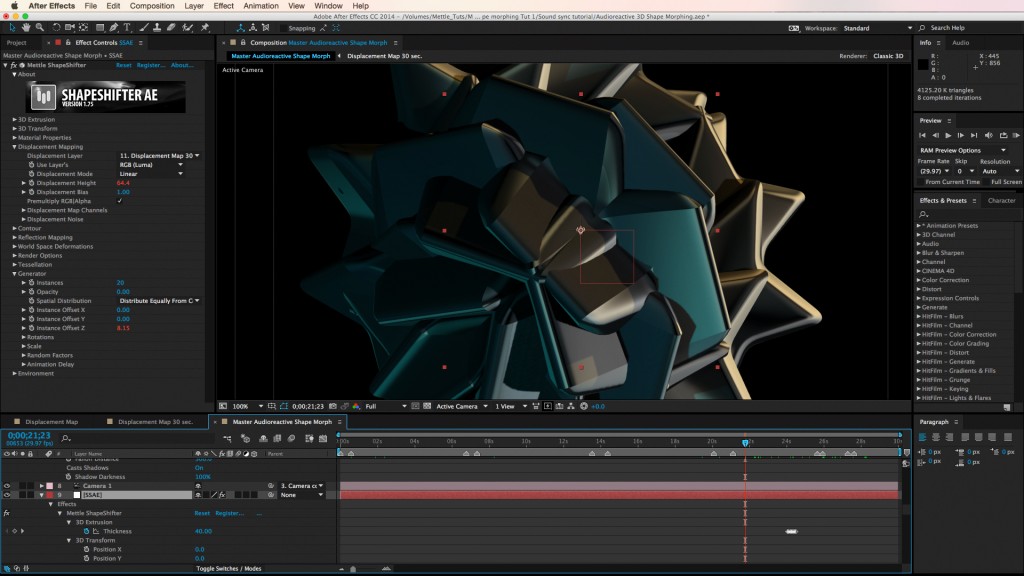
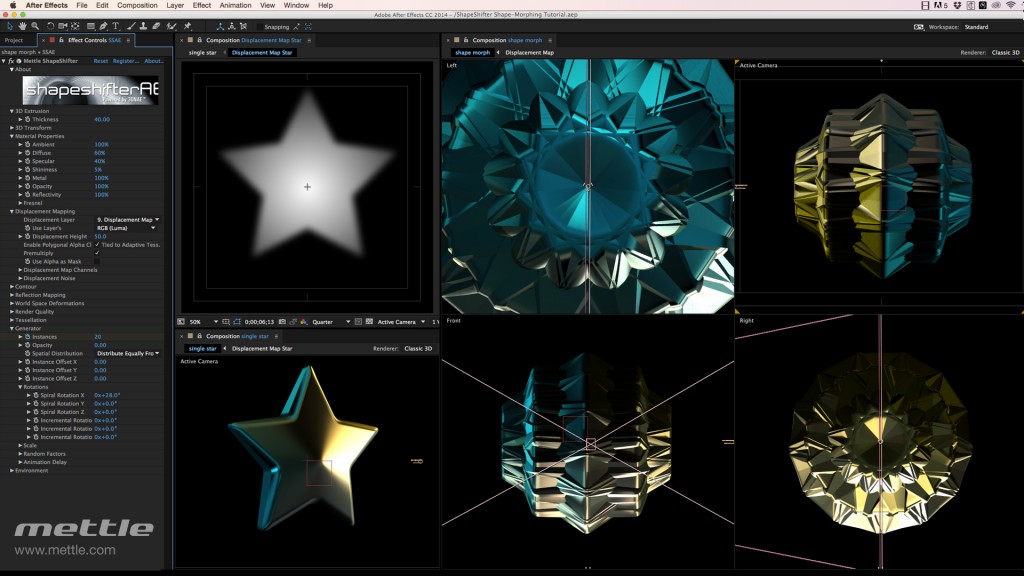
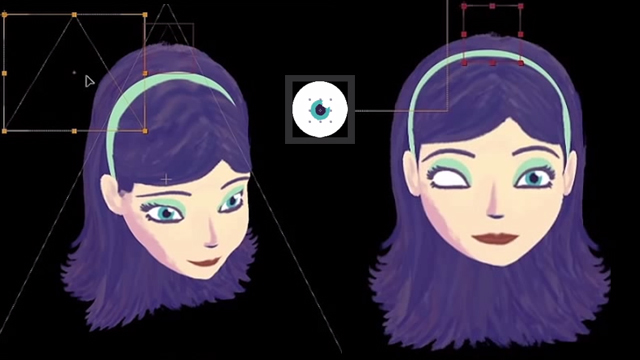
Part 7 & 8: Character Animation in After Effects by Dave Legion
In Part 7, Dave shows us how to create a controller for the whole of the puppet head including all 3D layers and the layer that uses Mettle’s FreeForm. We’ll also see how to create controllers for the puppet’s eyes. …
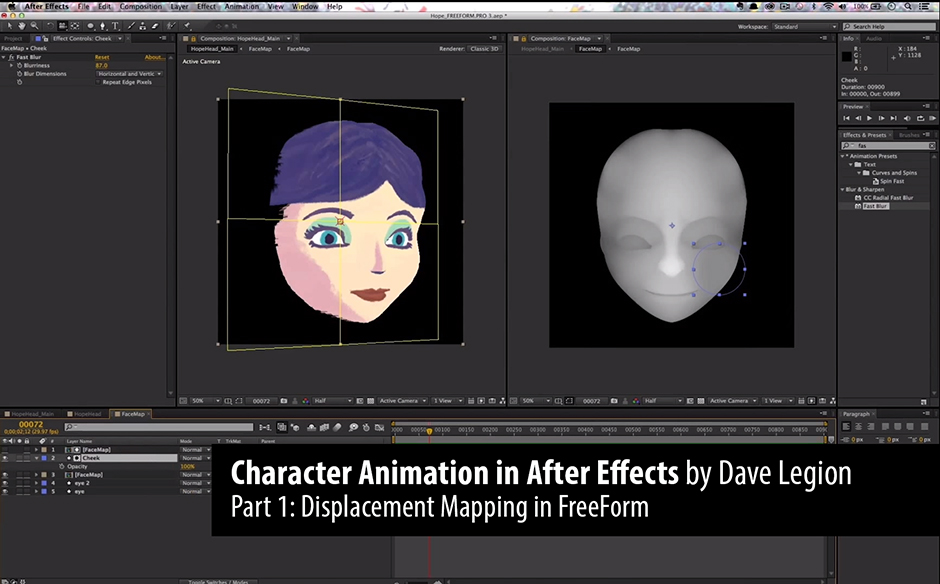
Part 1: Character Animation in After Effects by Dave Legion
Dave Legion has put together a comprehensive set of tutorials on Character Animation. The series is called “Build Me Some Hope”, named after a character from “A Story of Hope”, an animation he worked on for the FH Foundation. You’ll …
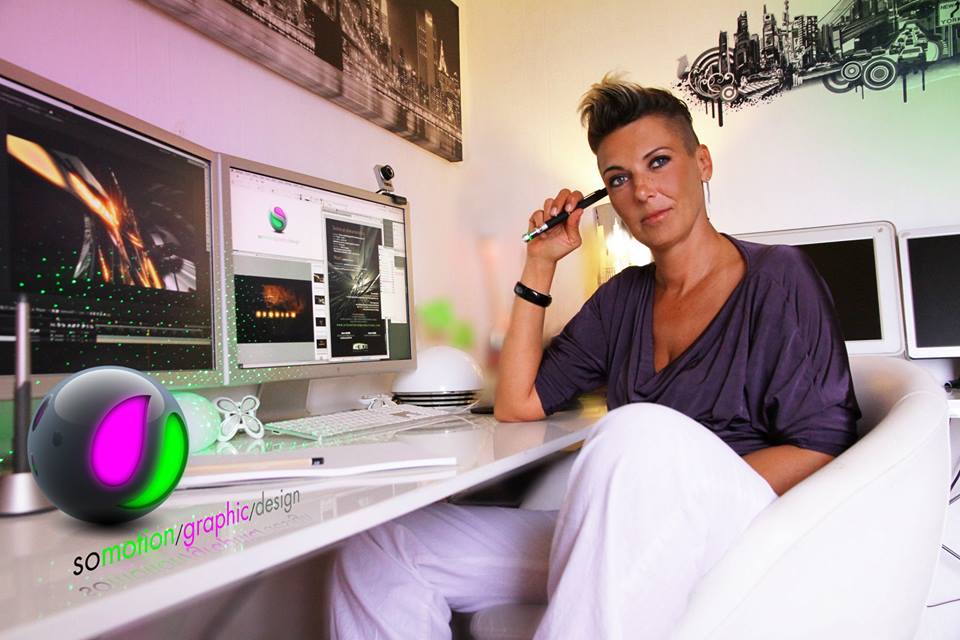
Mettle Profiles Sonia Rechaux | ShapeShifter AE
Sonia Rechaux was classically trained in design schools in Paris, France. She learned Adobe After Effects at a Parisian advertising agency, and now works freelance. When she began work on a film title sequence for Praschan Requiem, a French …
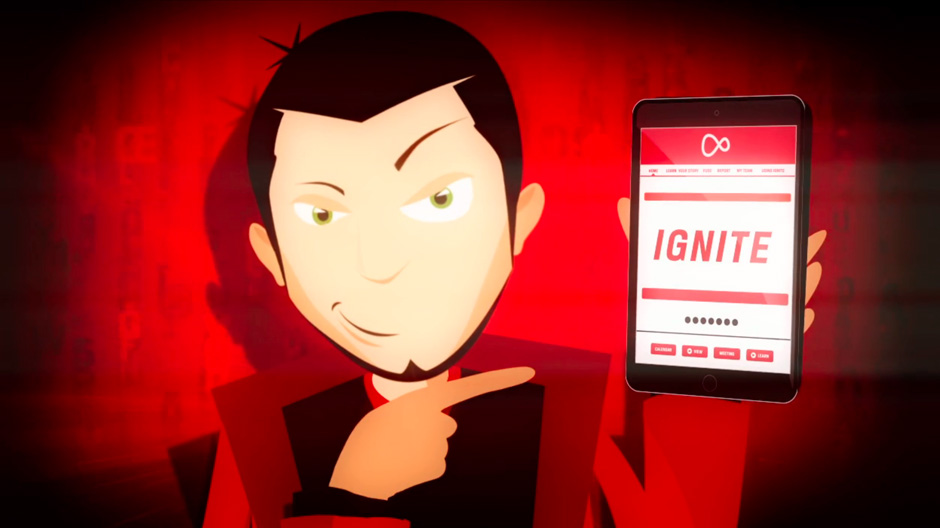
Gareth Jones for Virgin Media | FreeForm
Here’s a great example of character animation in After Effects, using mettle’s 3D plug-in FreeForm. Gareth Jones has put together a fun piece for Virgin Media/Ignite. FreeForm makes 3D movement in character animation much easier, especially head rotation. For example, …
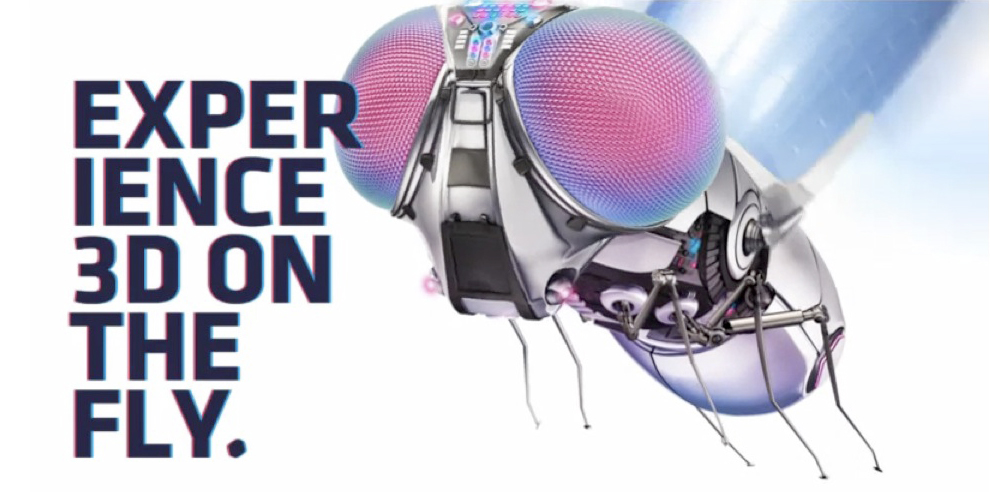
Mettle Profiles Cameron Gough of Dirty Puppet
Cameron Gough runs an award-winning animation studio in Melbourne Australia, that goes by the name ‘Dirty Puppet’. He works in After Effects, and integrates our plug-ins as part of his tool-set. He uses Freeform Pro on various projects to help …
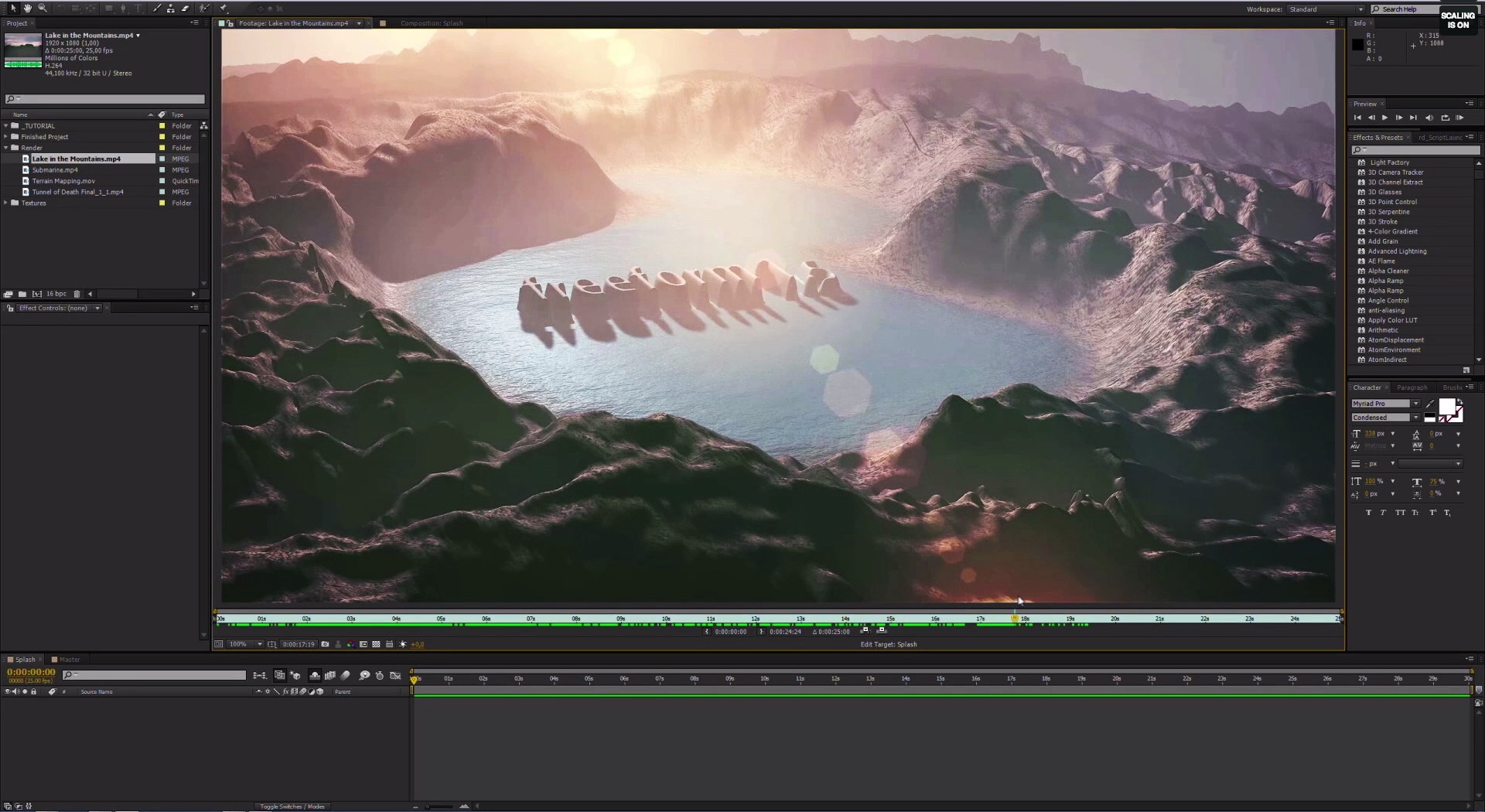
New Features Tutorial for FreeForm Pro Version 1.5 by Klaus Brandenburg
Klaus Brandenburg, Editor and VFX artist from Munich, Germany, was kind enough to put this tutorial together to showcase some of the new features in FreeForm Pro Version 1.5. He creates a terrain and lake in After Effects using FreeForm …
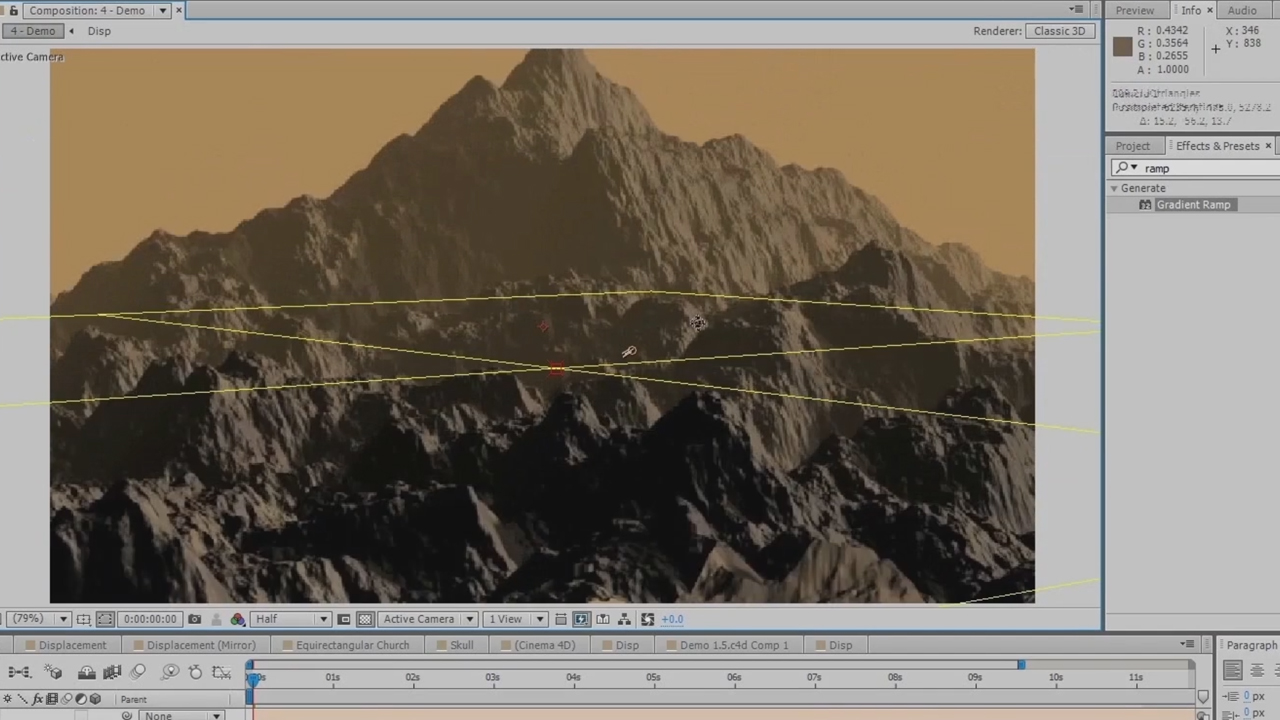
New Features Tutorial for Version 1.5 ShapeShifter AE & FreeForm Pro | Kevin Schires
Here’s an in-depth tutorial that goes over the new features in Version 1.5 of FreeForm Pro and ShapeShifter AE. Kevin Schires, who worked on the programming at mettle as part of the engineering team, has put the tut together for …
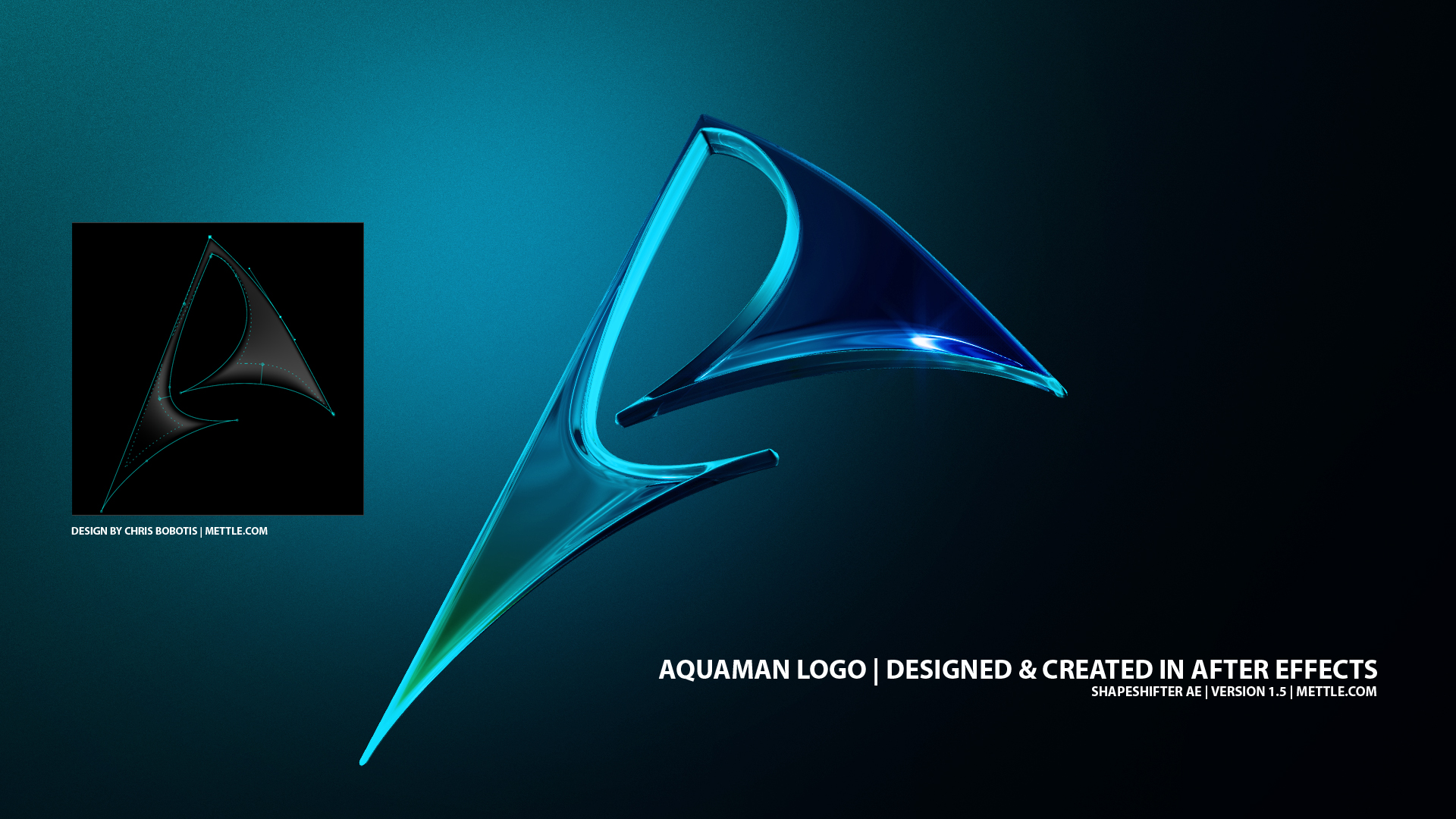
3D AquaMan Logo In After Effects | ShapeShifter
Check out this 3D AquaMan logo, made entirely in After Effects with ShapeShifter AE. Complete integration into the After Effects UI lets you stay in the familiar interface of AE, and use simple tools and effects to create complex …
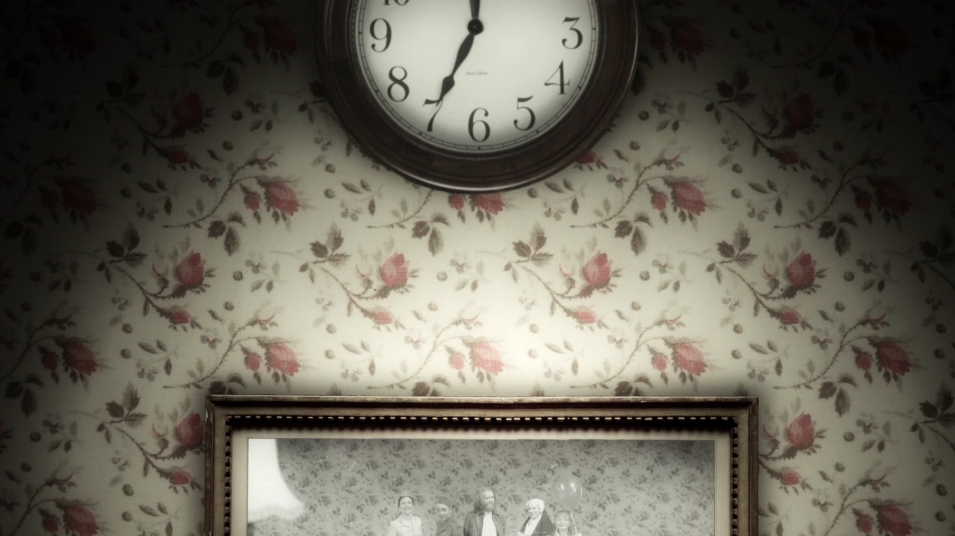
Time by Chris and Steve Lavelle
“Don’t worry, when it all dries up and all is seemingly lost. When you can’t sleep for that one transition. When you find yourself gently thumping your head on the wall wondering if there is a way out… Keep going… …
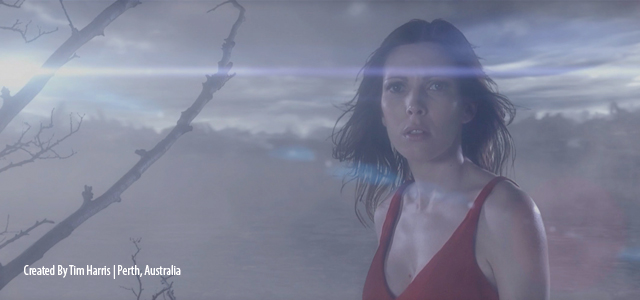
3D Mist and Fog | After Effects| FreeForm Pro
Tim Harris shows how to use the new fog and mist features in FreeForm Pro Version 1.5. He starts things off by creating 3D terrain with FreeForm Pro. He makes a 2D Displacement Map that will be used to create …
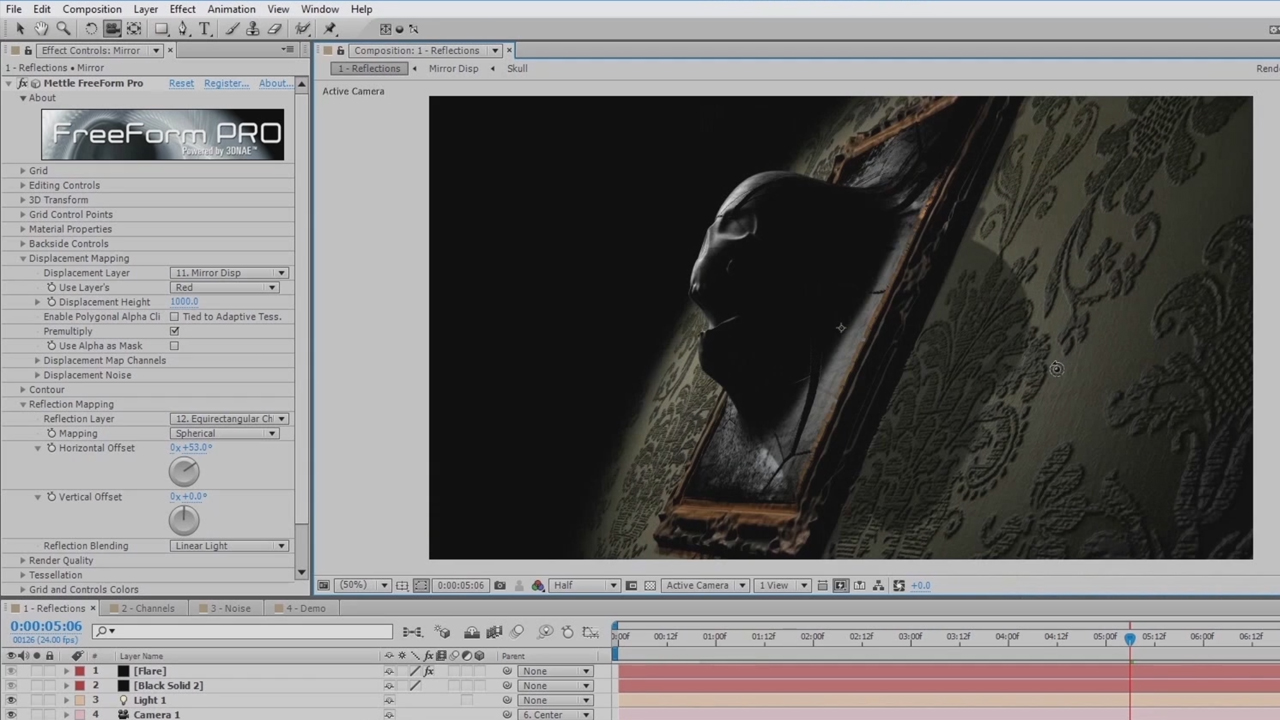
Sneak Peek: New Features for FreeForm Pro and ShapeShifter AE
The update for ShapeShifter and FreeForm Pro Version 1.5 will include some great new features! Coming soon are additional Environment features: 3D mist and fog. There will be Displacement Map Channels, Displacement Map Noise, Additional Reflection Mapping Controls and Animateable …
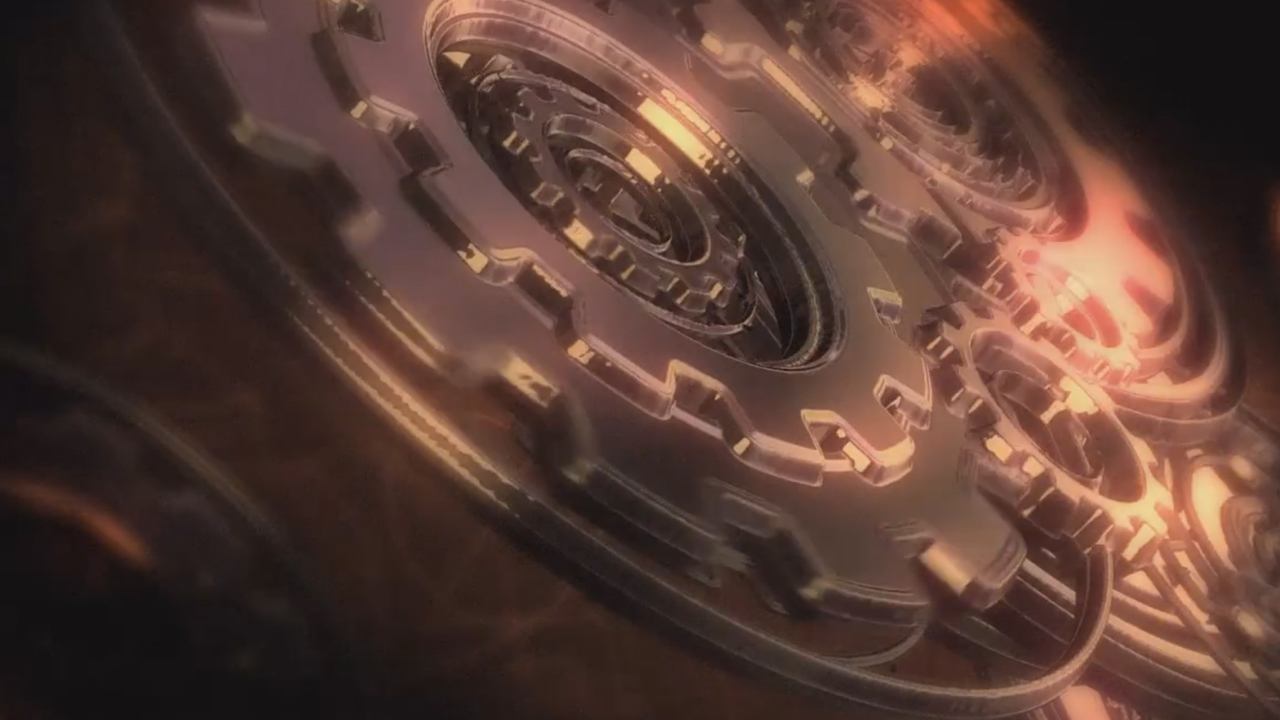
Gears in Motion by Tudor “Ted” Jelescu
After Effects power-user Tudor “Ted” Jelescu has done it again. Created a fantastic After Effects sequence using one of our plug-ins. Ted has been using our plug-ins for years to achieve results in AE that were only available in dedicated …

A Second Career for a First Love
Mr. Eric D. Kirk recently completed work on closing credits for Treachery, a film starring Michael Biehn (Terminator, Tombstone, Abyss) under Blanc Biehn Productions. Eric used After Effects, with Mettle’s FreeForm Pro and ShapeShifter AE to get the job done.…
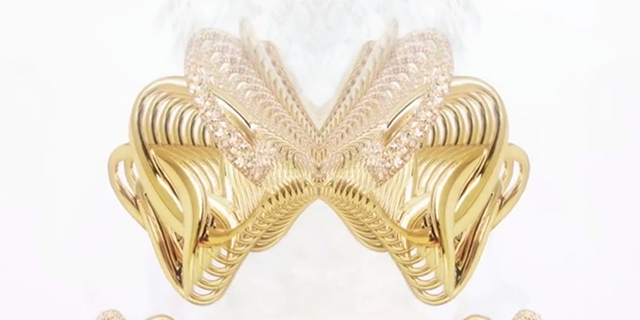
FreeForm Pro Generates Great Effects
UDA produced this animation for one of their jewelery clients. They chose to use After Effects with the FreeForm Pro plug-in. It’s a great example of the Generator feature, which produced all the replications and movement. FreeForm Pro has a …
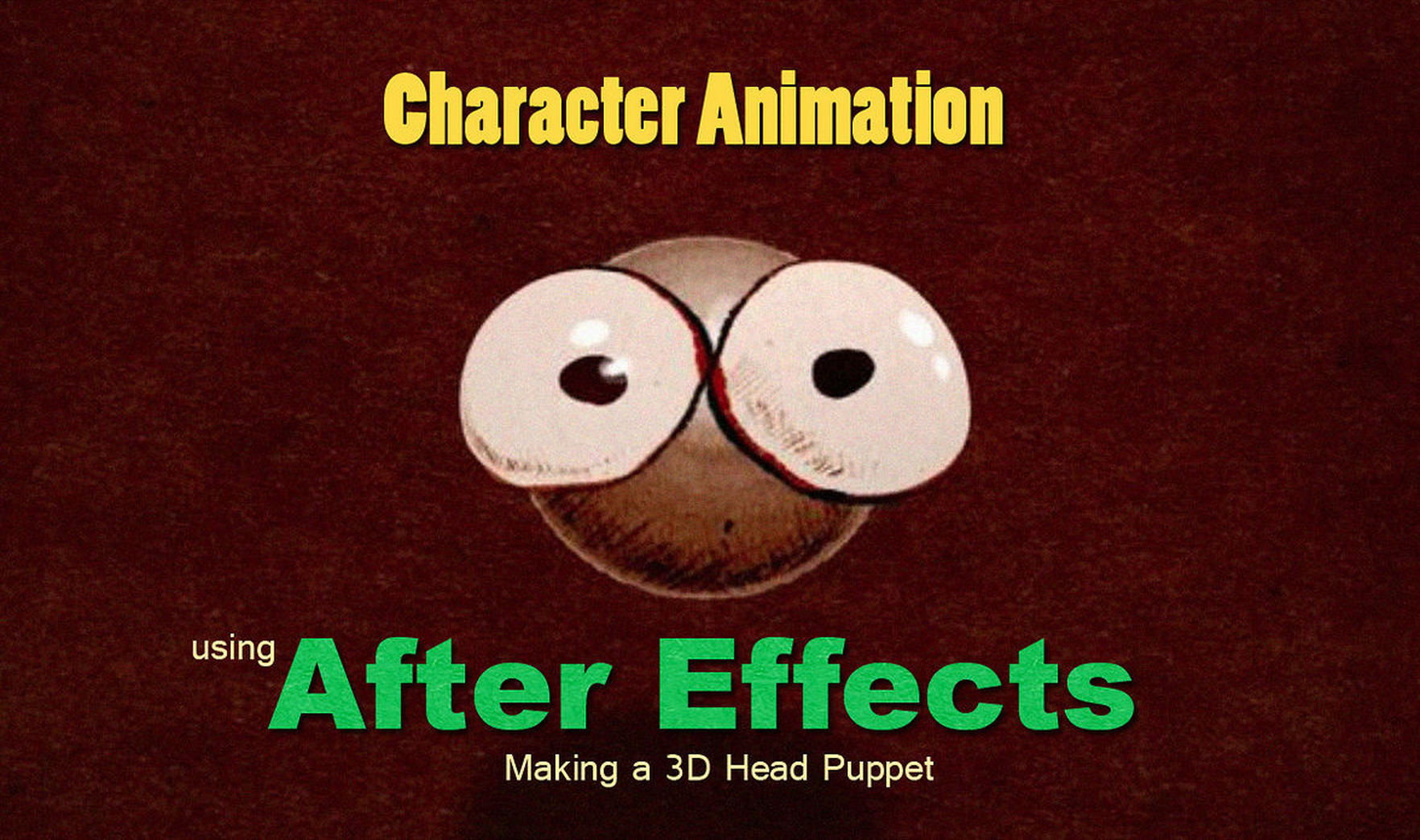
Character Animation with FreeForm
You may already know that character animation is possible in After Effects, using mettle’s FreeForm Pro. But did you know that you can also use FreeForm, the light version of FreeForm Pro, for basic character animation?
Here’s a simple tutorial …
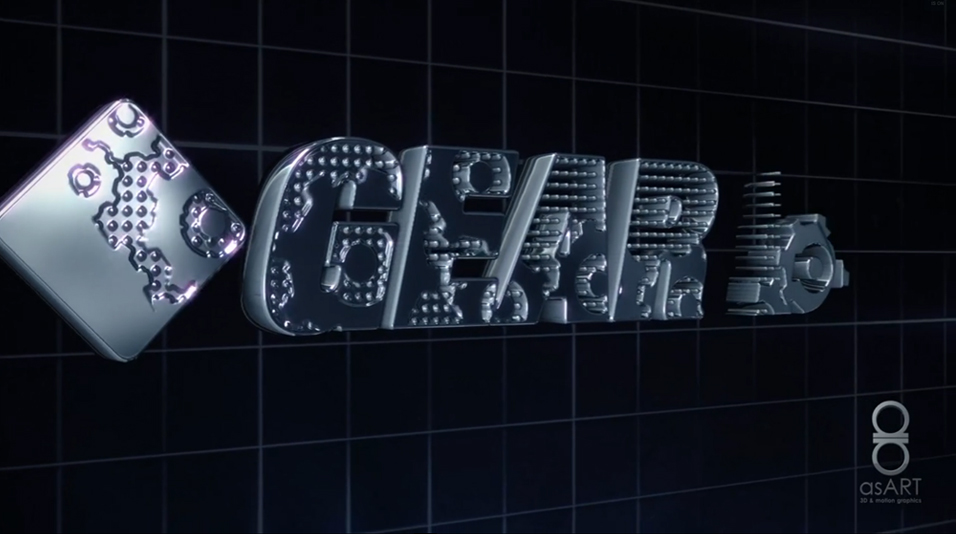
Gear Box by asART
Sometimes our customers say it best: “With ShapeShifter I can save lots of time and do everything I want directly in Ae. Just simple 2D animation stuff that everyone knows how to do and ShapeShifter will do the rest for …
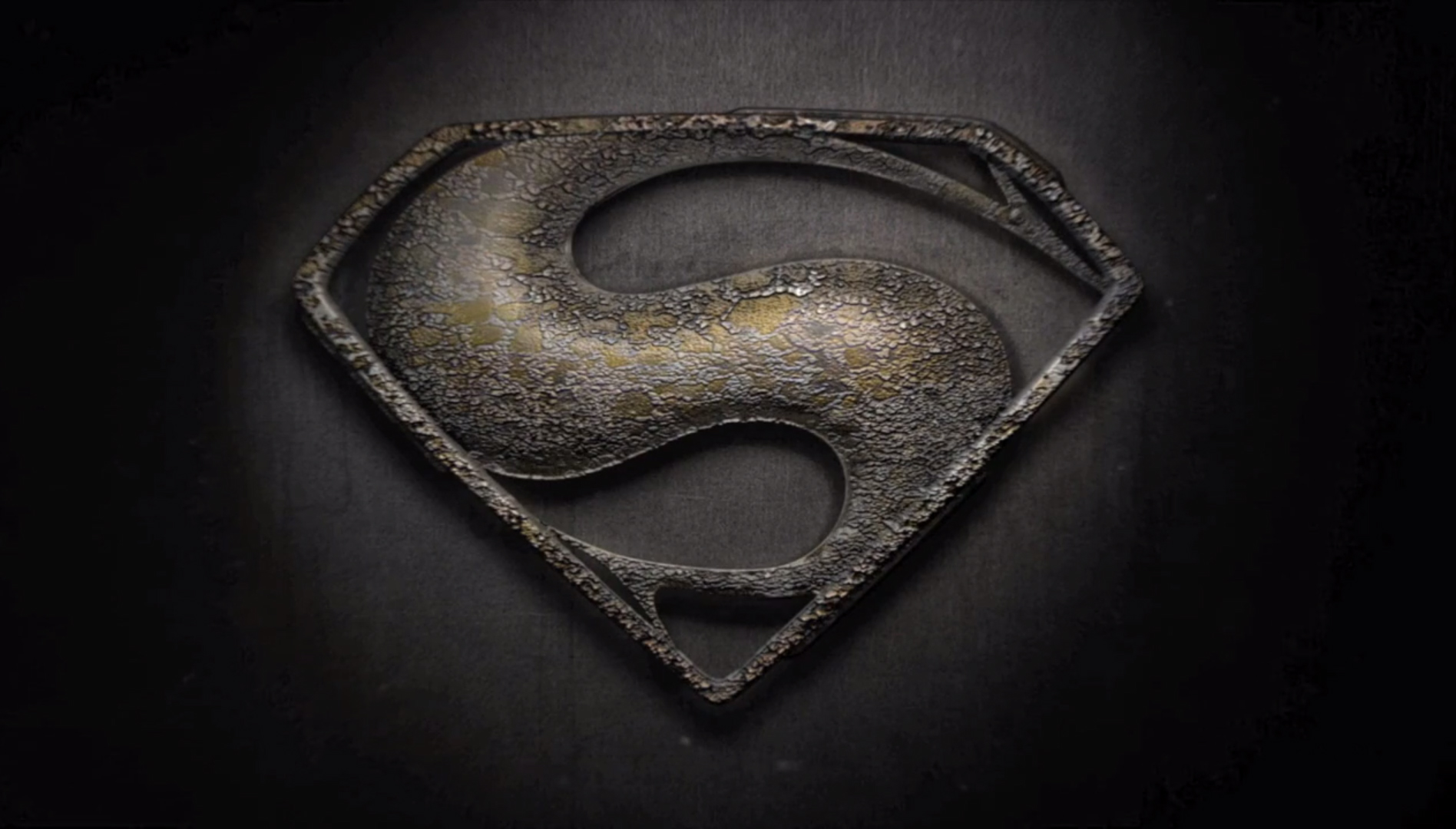
Design a Superman Logo in After Effects with Trevor Coates: Intro & Part 2
There’s a great tutorial series from Trevor Coates, being hosted on aetuts+. In it, Trevor explains how to create and animate a 3D logo in After Effects. The logo just happens to be his version of the Superman logo, inspired …
Bundle Up and Save!
Introducing mettle product bundles! You can save up to 30% from your total purchase cost on our popular plug-ins FreeForm Pro, ShapeShifter Ae, the Mylenium Edition Project Files, as well as the Aqua Pack project files.. The more you buy, …
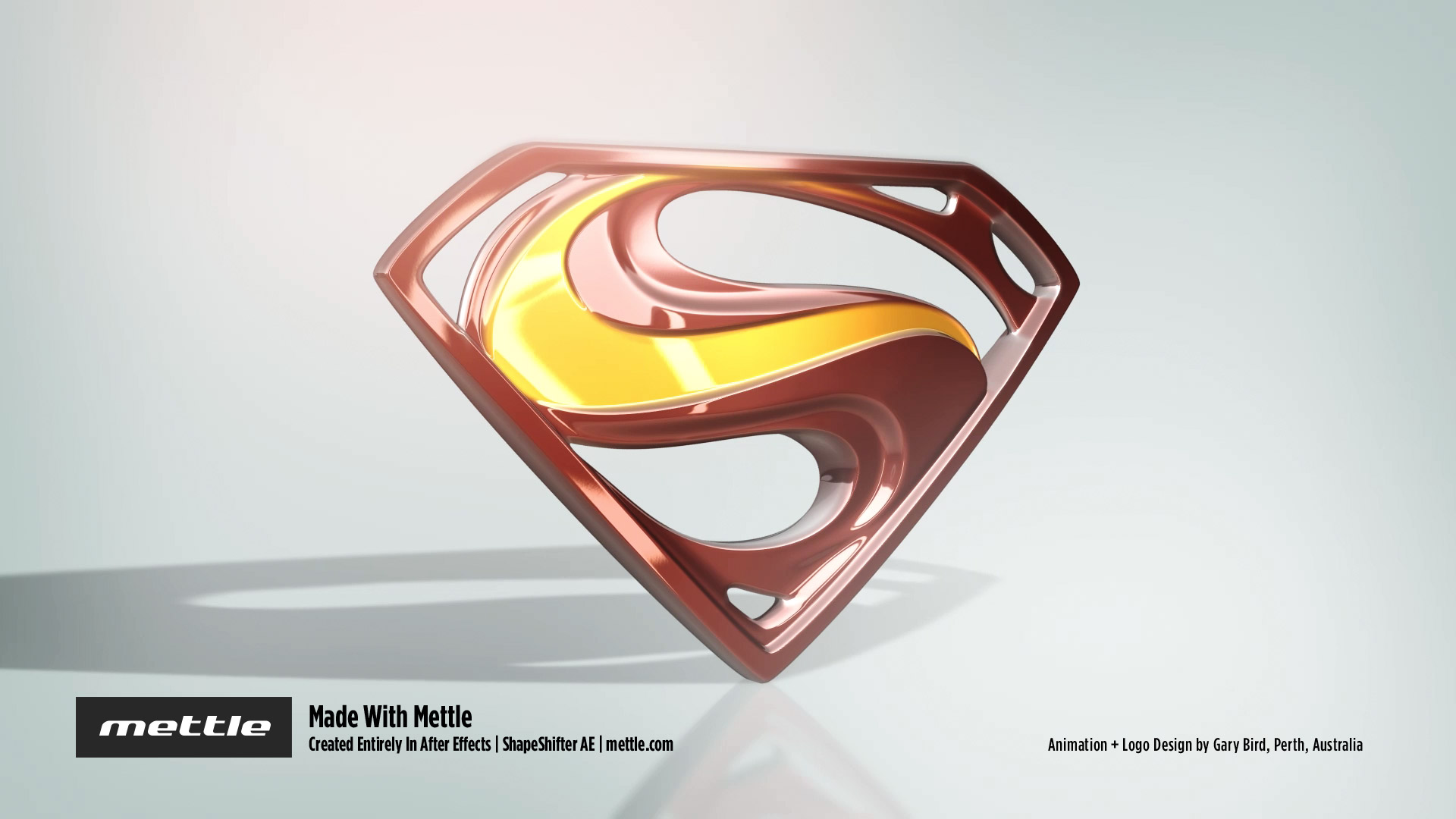
Mettle Interviews Gary Bird – Winner of the Superman Design Challenge
Kenya. Seychelles. England. Australia… A father whose artwork was gifted to the Queen of England… An advertising apprenticeship in Cyprus… These are just some of the surprising influences in the life of Gary Bird.
Nancy: Congrats again on winning the …
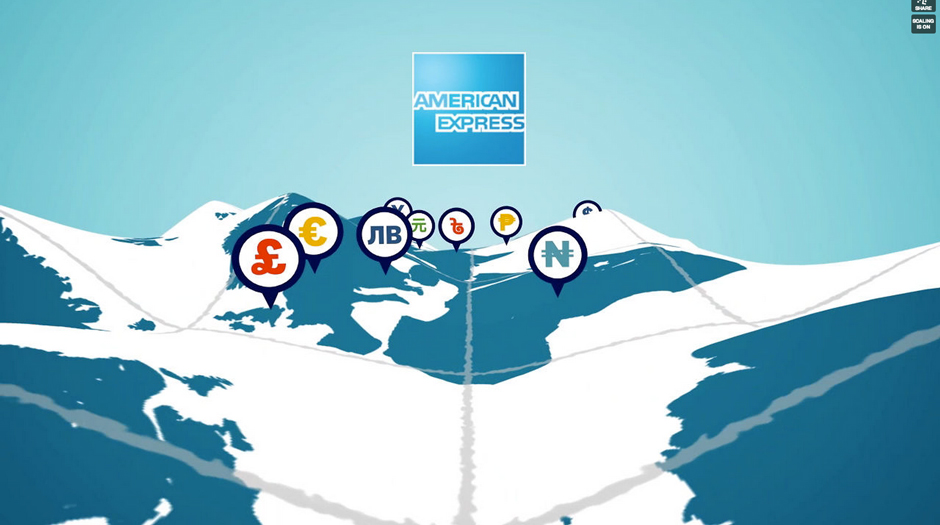
FreeForm Covers Ground for American Express
Andrew Embury has created a terrific animation for American Express using FreeForm V2. The terrain distortion is done using FreeForm V2, which can easily transform a flat layer into a 3D grid with control points; perfect for terrain. Each control …
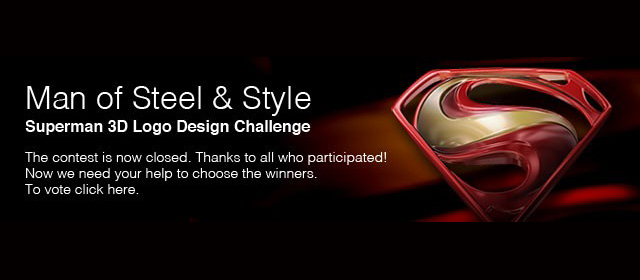
Vote for the winners! Superman Design Challenge
We’ve received all the submissions from our Man of Steel & Style – Superman 3D Logo Design Challenge. The judges have gone through the submissions, and have chosen the top 6 finalists. Now it’s up to you to decide which …